

A 3D product configurator is a web application in which a customer assembles a product from allowed options, meaning dimensions, materials, colours and accessories, and sees every change on a 3D model straight away. The result is not a picture but a complete specification: exactly what they want, in what size and at what price.
For a made-to-order manufacturer that means something different than it does for a T-shirt shop. Their product does not have ten variants. It has thousands of combinations and the rules that limit them. A configurator is where those rules meet the customer.
This guide covers what a configurator is and is not, how it works, who it pays off for and what to prepare when you are considering one.
What a 3D configurator is not
A lot of things are sold under the word configurator. The three most common mix-ups:
- A 3D viewer. It shows a finished product from every side, but you cannot change anything on it. A configurator changes the product and keeps to the rules while doing so.
- A calculator. It multiplies a dimension by a rate, but it does not know what can be built and it draws nothing. Why that is a problem is the subject of Why a per-metre calculator lies.
- A shop with variants. Variants are a finite list of ready-made items. A made-to-order product has dimensions down to the centimetre and combinations nobody built in advance.
How it works: from rules to enquiry
Every configurator, simple or complex, rests on four parts.
1. The product model and its rules
The list of options and how they relate: which dimensions are allowed, which models take which accessories, when the profile changes or another post is added. This is where it is decided whether the configurator lets anyone assemble something that cannot be built.

2. The 3D scene
A model that redraws with every change. It can be built from ready-made 3D files or generated from the rules. In treede configurators the structure is built from the same rules as the price, so a dimension in the scene is the very dimension the price is calculated from.
3. The price
The price is assembled from the seller's price list and rules: the model's base, surcharges for size, colour and accessories. Where a price cannot be calculated without a site visit, the configurator should say so rather than show a wrong number.
4. The output
A configuration has to go somewhere: into an enquiry with dimensions, options and price, into a quote or into a CRM. A configurator that ends in a picture is nice. A configurator that ends in a ready enquiry sells.
Who a configurator pays off for
It helps most where at least two of these four things are true:
- The product is made to measure and the price depends on dimensions.
- There are many combinations and some rule each other out.
- The customer needs to see the product before deciding.
- Salespeople spend a lot of time filling in missing details on enquiries.
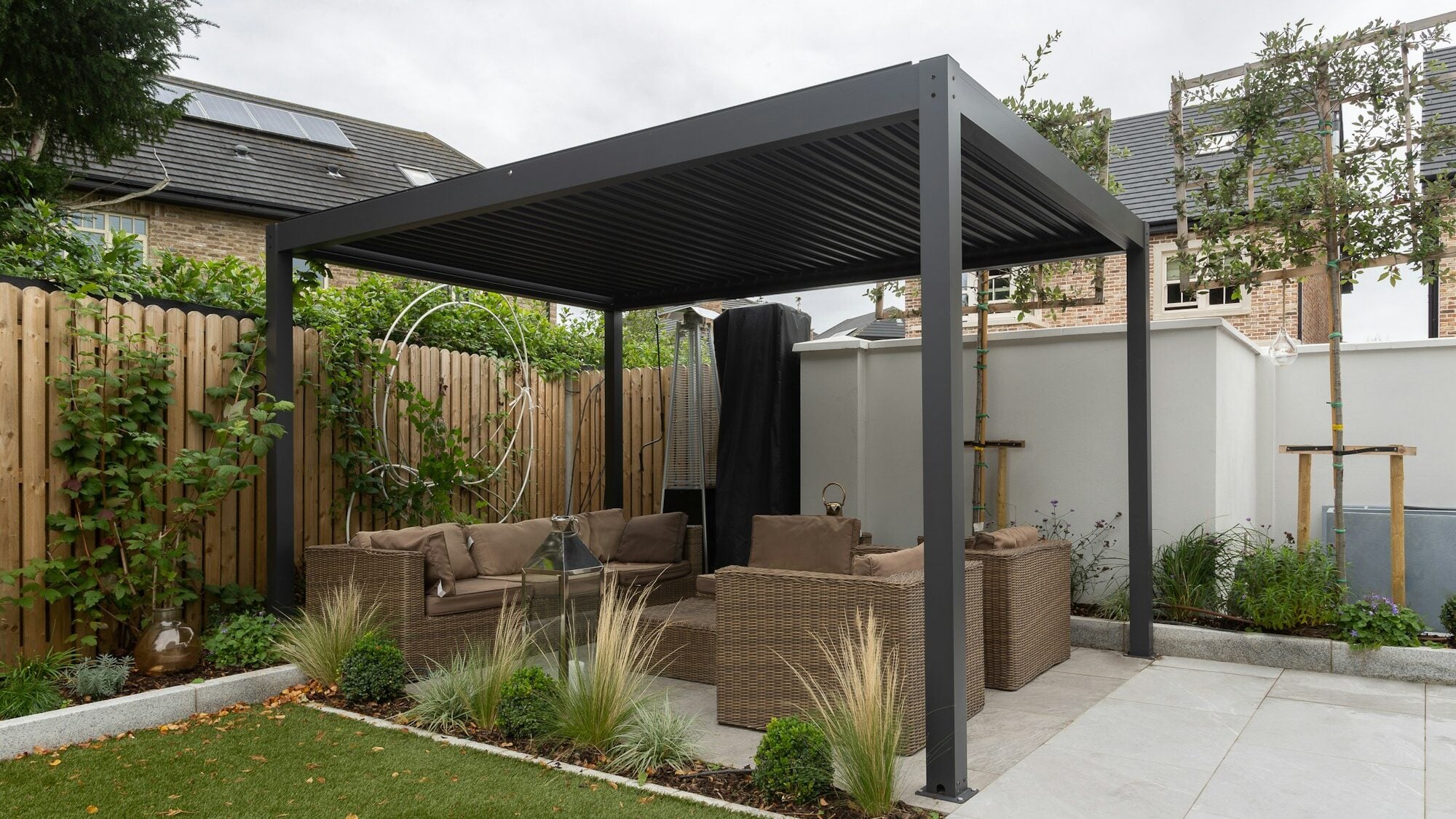
Typically that means pergolas and carports, fences and gates, verandas and conservatories, garden buildings, windows, doors and shading. The full overview is in the configurator catalogue.

It pays off less for a simple product with a few ready-made variants, where a shop is enough, and for fully bespoke commissions, where an architect draws every project and the rules cannot be written down.
What to prepare
You do not need perfect materials to start. You need these four:
- Your price list. Excel is perfectly fine. It is the best source of rules you have.
- A list of options and limits. Models, dimensions from and to, colours, accessories and what does not go with what.
- Photos or drawings. They are what the look of the 3D model is tuned against.
- Where the enquiry should go. E-mail or CRM, who handles it and in what form they need it.
If you want to check whether you are ready, go through the readiness checklist.
How to tell whether a configurator works
The number of 3D views is interesting, but it says nothing about sales. Track these instead:
- the share of enquiries with a complete specification, meaning how many need no follow-up questions,
- the time to the first quote, from enquiry to a quote sent,
- the conversion from enquiry to order, meaning how many enquiries end in an order or an installation.
For a sense of scale: at Moja Pergola the combined landing page, campaigns and configurator bring in hundreds of enquiries a month, and 16% of them became installations. That is the result of the whole system, not an isolated effect of the configurator, and there is no comparable period before launch.
Summary
A 3D product configurator is not a website effect. It is the place where your product's rules meet the customer and where an enquiry is created that can go straight into a quote. If you have a price list and rules, you already have most of the brief.