
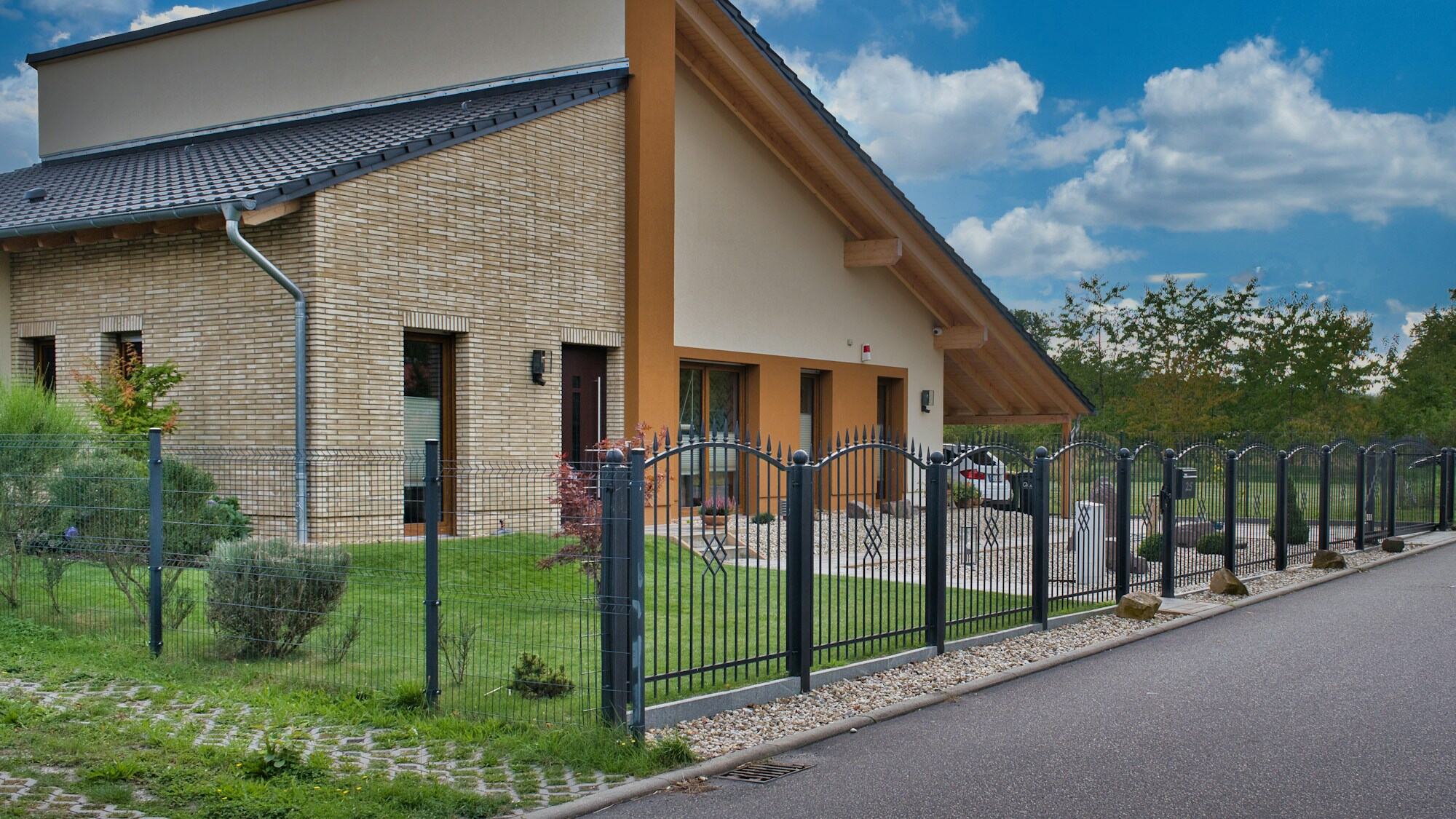
Saturday morning, the phone rings: "I'd like a fence round the plot. Modern, but not too expensive." The salesperson reaches for a notebook and starts asking. How many metres, how tall, and a gate wide enough for a car?
A fence configurator is a tool in which the customer builds a fence from your rules: the shape and the length of each side, the height, the infill, the colour, the posts, the fixing and the gates. From those choices it works out the panels, the posts and the price itself. The salesperson then gets a finished brief instead of a notebook full of question marks.
Below we go through the choices one by one, the way treede's fence configurator handles them. The values are the rules of its demo range, not a standard. For your range we set them during implementation.
Fence shape and side lengths
The customer does not start with a length but with a shape. A fence can be straight, L-shaped, U-shaped or enclosed, and each side has its own length. In treede's configurator a fence has at most four sides, each from 1.8 to 30 m, entered to the centimetre.
At a corner, neighbouring sides share one post. That is why an L-shaped fence is priced differently from a straight one with the same total length. Why this breaks a price per metre is covered in Why a per-metre calculator lies.
Panels: standard or equal width
Each side has to be divided into panels you can actually make. treede's configurator knows two ways:
- Standard width. Panels in one stock width (1.8, 1.9 or 2.0 m) and one cut panel at the end.
- Equal width. All panels the same width, as close to 2.0 m as possible.
An example: a side 12 m long, a fence 1.2 m tall with 60 mm posts. With a standard width of 1.8 m you get six panels of 1,800 mm and one of 780 mm, eight posts in all. With equal width you get six panels of 1,940 mm and seven posts.
The first option works from stock widths; the second looks calmer. The customer will spot that short panel at the end before you get the chance to mention it, so it is better if they see it on the model first.
Height and posts
The customer picks a height from standard values between 0.6 and 2.0 m, or enters their own between 0.4 and 3.0 m. In treede's configurator the post changes with the height:
- up to 1.5 m, a 60 mm profile;
- over 1.5 m, an 80 mm profile;
- from 2.0 m, a 100 mm profile;
- with a sliding gate, at least 80 mm along the whole fence.
A thicker post takes up more room, so the division of the side changes too. The same 12-metre side at a height of 1.8 m with 80 mm posts ends with a last panel 640 mm wide. The customer changed one number, and the configurator recalculated the whole fence.
If the customer has their own concrete posts, the configurator offers only the infill panels between them and does not price the posts.
Infill and the gaps between slats
The infill is the choice customers take longest over. The demo range has horizontal and vertical slats, louvred infill, pickets, and solid infill you cannot see through.
With slats, the gap between them is set too. For horizontal slats it is 10 to 40 mm; solid infill has none. Only the gaps a given type actually comes with are offered. A customer who wants "no one seeing in, but the wind getting through" sees the difference between 10 and 40 mm on the model rather than in a description.
Gates and wicket gates
Gates are counted by the piece, and each has its own rules:
- A wicket gate 0.9 or 1.0 m wide.
- A double swing or sliding gate 3.0, 3.5 or 4.0 m wide.
- Its position on the side, measured from the side's start, and the opening direction.
- Extras: a motor, an electric lock, a post box.

A gate drops out of the panel division and brings its own posts. When it does not fit on a side, the configurator does not add it, rather than sending an enquiry for a fence that cannot be built.
Fixing, caps and colour
What is left are choices that mostly change the price and the installation:
- Fixing: into the ground, onto paving or concrete, or onto the side of a wall.
- Post caps: none, flat, rounded or pointed.
- Colour: shades under names the customer understands, and the wood finish shown as a material sample rather than a coloured dot.
What a fence configurator does not replace
Slopes, the plot boundary, underground utilities, and the state of the wall the fence is fixed to. Terrain is not entered in treede's fence configurator, so these stay with the site survey. The configurator delivers the brief, and the survey confirms it on site.
How many choices to show the customer
Everything above adds up to more than eight groups of choices. A peer-reviewed series of five studies (Bambauer-Sachse, 2025) found configurations with roughly 4 to 5 attributes usually raised product evaluation and purchase likelihood versus offerings with 8 or more. At 8 or more attributes the benefit often reversed, from added effort and confusion.
For a fence this means deciding what the customer sees and what the salesperson sets. The shape, height, infill, colour and gate belong to the customer. The post profile, the panel width mode or the caps can have a sensible default that the customer changes only if they want to.
Frequently asked questions
Does the customer have to see a price in the fence configurator?
No. The price can be calculated in the background and go only to the salesperson along with the brief. When to show it is covered in Prices on your website or on request?.
Can it be set up for our own range?
The existing base supports aluminium fences with slats, pickets and solid infill. During implementation we set up your types, heights, panel widths, colours and price list. A different system, a concrete fence for example, is assessed as a new product type.
What if the customer does not know the exact lengths?
They enter approximate ones, and the salesperson confirms them at the site survey. Even approximate lengths with a shape and a gate are a better brief than "round the plot".
And that Saturday phone call?
The customer can still ring. The difference is that the salesperson sends them a link where they put the fence together themselves, and on Monday gets the shape, the height, the infill and where the gate goes.
How a fence configurator works on a real type is shown on the slat fence configurator page. What to prepare if you are considering one is described in What to prepare for a product configurator.