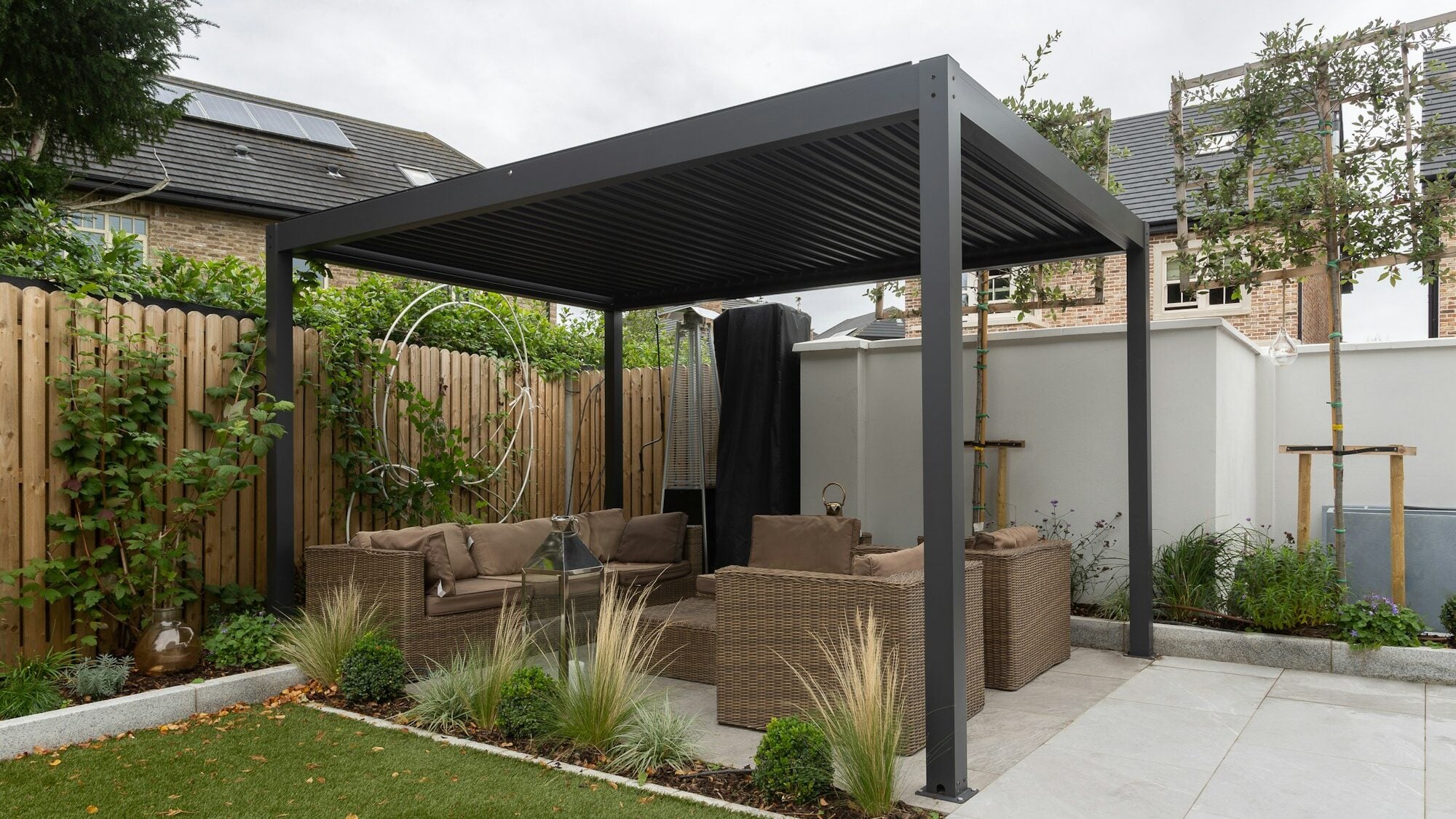


Picture it: a quote for a pergola goes out on Friday as a single figure in an email. On Monday morning the phone rings. "Does that include installation? And the colour we talked about? And a side wall like the neighbours have?" The salesperson opens the quote they sent and looks for an answer that isn't in it.
A good quote template for made-to-order products has the usual details plus an exact specification, an itemised price, a list of what the price does not include, a line saying whether it is an estimate or a binding quote, and the date it is valid until. The whole template is below, block by block, and you can download the quote template in Word for free, with no sign-up.
What every quote must contain
The basics are the same for a sole trader and for a pergola manufacturer. Without them a quote doesn't look like a quote:
- Header and number. A quote number and a version, so you can say "version 2 applies" rather than "the one from Tuesday".
- Supplier. Company name, address, company number, VAT number if you have one, and who prepared the quote.
- Customer. Name or company, address and contact details. For made-to-order work, also the installation address, which may not be where the customer lives.
- Date issued and validity. How long the quote is valid, written as a date.
- Items and price. What the customer is buying and for how much. If you are VAT-registered, the price before VAT, the VAT and the total.
- Terms. Lead time, deposit and payment terms.
- Contact and next step. Who the customer should talk to and what to do when the quote suits them.
Every template from an invoicing app covers this. For stock goods it is enough: the item has a code, a price, and that's that.
What a made-to-order quote needs on top
The customer hasn't seen a made-to-order product yet. They are buying dimensions, a variant and a promise that the whole thing will fit their house. So the quote has to say more:
- Specification. Dimensions, model, variant, colour and add-ons, each one on its own. A wish for "anthracite, but a lighter one" belongs in the specification as a colour name from your sample card. Nobody remembers the impression from a phone call six months later.
- Itemised price. The base price for the size and every add-on on its own line with a quantity and a unit. The customer sees what costs what, and a change means recalculating one line.
- What the price excludes. Groundwork, footings, electrics, delivery beyond a set distance, permission. Whatever you don't write down, the customer will assume is included.
- Estimate or binding quote. An estimate is calculated from the dimensions and the price list's rules. A binding quote follows the site survey. Say which one it is, and for an estimate, what may still change.
- What the site survey checks. The base, the ground, access and the wall the structure will be fixed to. The customer knows in advance why the survey exists.
- Which price list the price comes from. The date or version of the price list. When profile prices change, you know which list the quote was built from.
- A sketch or visualisation. Even a simple sketch with dimensions shows where the post and the side wall will go. Text says it more slowly.

No template replaces the site survey. A good quote does tell the customer what will be measured and which lines may move afterwards.
The quote template, block by block
The template is laid out so you can fill it in for a pergola, a fence, a veranda or a garden building. Replace the text in square brackets with your own.
Header and parties
- Quote no. [2026-001], version [1]
- Date issued [date], valid until [date]
- Type of quote: estimate or binding quote
- Supplier: company name, address, company number, VAT number, prepared by, phone, email
- Customer: name or company, address, phone, email, installation address
Product specification
An example for a pergola:
- product and model: [louvered pergola, model …]
- dimensions: [width × depth × height in mm]
- variant: [wall-mounted or freestanding]
- frame colour: [name from your sample card]
- add-ons: [side wall on the right, LED lighting]
- installation and base: [on concrete footings, on paving]
- attachment: [sketch or visualisation]
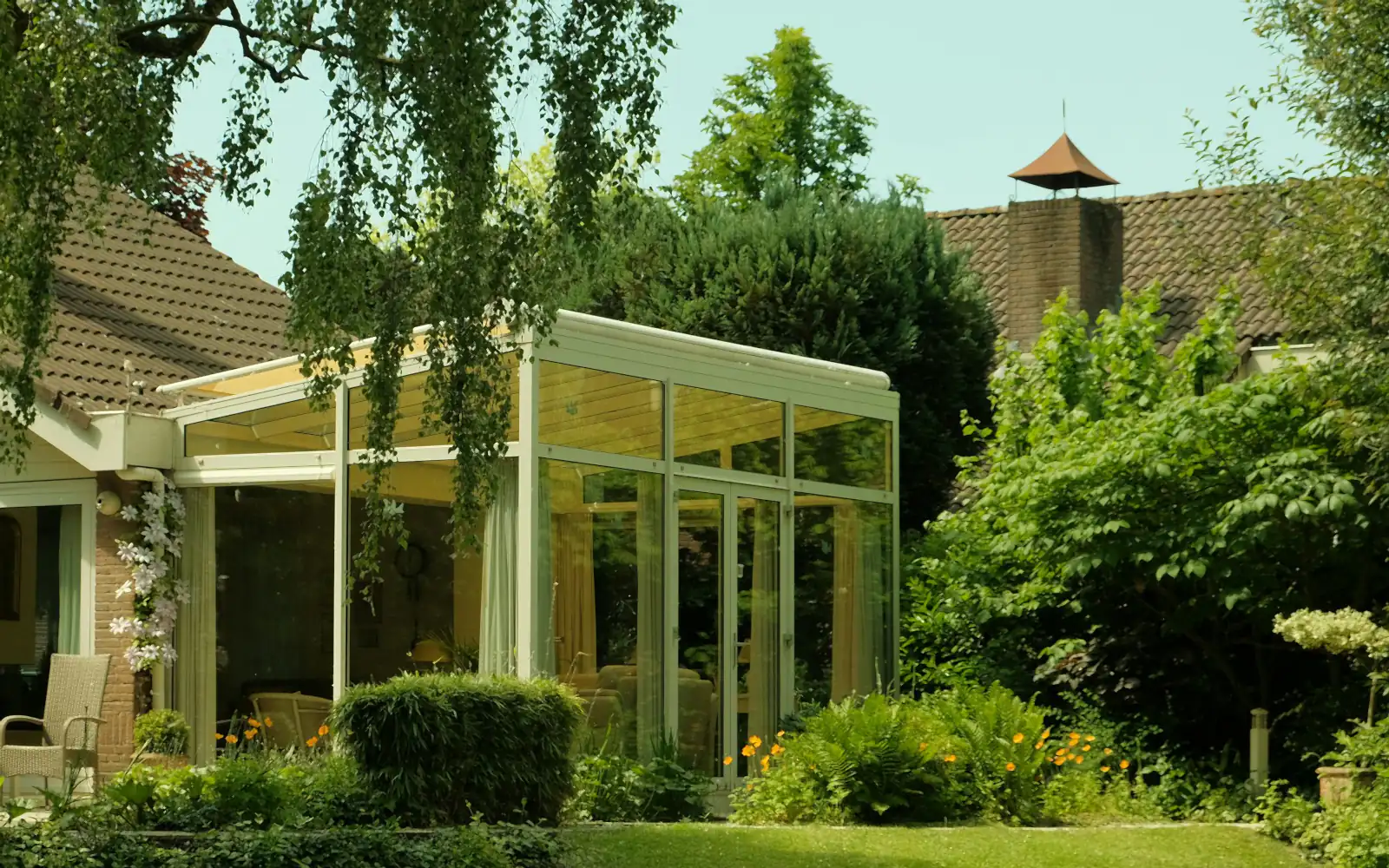
For a fence, the fields become run lengths, corners, height, infill, colour, gates and pedestrian gates. For a veranda, the roof glazing and the walls at the sides are added.
Itemised price
Each line has a description, quantity, unit, unit price and amount:
- Base model for the size: 1 pc, €…
- Side wall: [number] m, €…
- LED lighting: [number] pcs, €…
- Post footings: [number] posts, €…
- Delivery: €…
- Installation: €…
Below the lines come the total before VAT, the VAT and the total including VAT. If you are not VAT-registered, say so in place of the tax line.
What the price excludes and what the survey checks
- The price does not include: [groundwork and footings, electrical work, delivery beyond … km, structural calculations or permission, removing the old structure].
- For an estimate: the price may change after the site survey, mainly in [ … ].
- At the site survey we check: [the base, the ground, access, the wall for fixing, services].
- The price is based on the price list valid from [date].
Validity, lead time and payment
- This quote is valid until [date].
- Manufacture and installation: [within … weeks of confirmation].
- Deposit: [amount or "no deposit"], balance and payment terms: [ … ].
Contact and next step
- If the quote suits you, confirm it [by email or by signing] by [date].
- For an estimate, we will suggest a date for the site survey.
- Contact: [name, phone, email].
You can download the whole template as a Word file. It is free, needs no sign-up and opens in Word, LibreOffice and Google Docs. Adjust the fields and lines to your own product.
How a configurator fills in the quote from your price list
Every line above can be filled in by hand. A configurator that holds the rules from your price list can put them together just as well. The existing treede base for the glass-roof veranda prices line by line, just like the template:
- Size. For the price, the width is rounded up to whole metres, at least 3 m, and the depth to half a metre, at least 2.5 m. A veranda 4.2 m wide is therefore priced as 5 m wide.
- Add-ons by unit. Walls and the triangles above them are priced per running metre of opening; ZIP blinds, spotlights and infrared heaters per piece; light strips per metre; footings per post.
- Small print. Under the price sits the date of the price list it came from. If the customer prepares the footings themselves, a line says they prepare them to the drawing.
In the demo you can export the design to PDF with its dates, the configuration lines, the itemised price, the total, the small print and a picture of the design. Prices in the demo are illustrative. PDF output for a client's deployment is in preparation. With treede the configuration is saved to treede CRM with its specification, the contact and a link to the design.
The difference from a manual template is who puts the lines together. The customer chooses from permitted options, and the price goes through the same rules as the salesperson's quote. How a price list turns into rules is covered in Why your Excel price list should be a 3D configurator.
A peer-reviewed study of 14 engineering-oriented companies (Haug, Hvam and Mortensen, 2011) found that after a product configurator was deployed, internal quote preparation time fell by an average of 85.5%, measuring the work on quotes rather than website sales. The methodology is in the published study.
Common mistakes in a quote template
- One figure with no line items. The customer doesn't know what they are comparing, and the first change means recalculating the whole quote.
- "Installation included" with no scope. Does it include delivery? Footings? Taking away the old canopy? Write down what installation covers.
- No validity date. A quote from the spring comes back in September, and the customer treats it as current.
- A price from an old price list.
price_list_FINAL_v7_really_final.xlsxandprice_list_FINAL_v8.xlsxdiffer by one character on screen. In the quote they differ by an amount. - No number or version. After three rounds of changes nobody knows which version applies.
How to get to a finished quote faster is covered in How to cut your quote turnaround time. A quote is only as accurate as the enquiry behind it, though. What that should contain is in What a made-to-order enquiry should contain.
Frequently asked questions
How long is a quote valid for?
You decide how long your quote is valid. Write it as a specific date rather than a number of days. If material prices change often, choose a shorter validity and also state the date of the price list you worked from.
Word, Excel or PDF?
Excel is good for the calculation, Word for the text of the quote. Send the customer a PDF so the quote can't be edited on the way, and keep the original for the next version. The template in this article is in Word, so you can edit it without any other software.
How do I tell an estimate from a binding quote?
Say so right under the quote number. An estimate is based on the dimensions and the price list's rules and says what may change after the site survey. A binding quote follows the survey and holds while the specification stays the same.
And the Monday phone call?
A quote with line items, a list of what the price excludes and a validity date answers the installation question before the phone rings. The customer may still call. This time, though, they will ask when the survey is.
You can work out how much time quotes take you today, from your own numbers, in the readiness checklist. And what a configurator with treede CRM costs is on the pricing page.