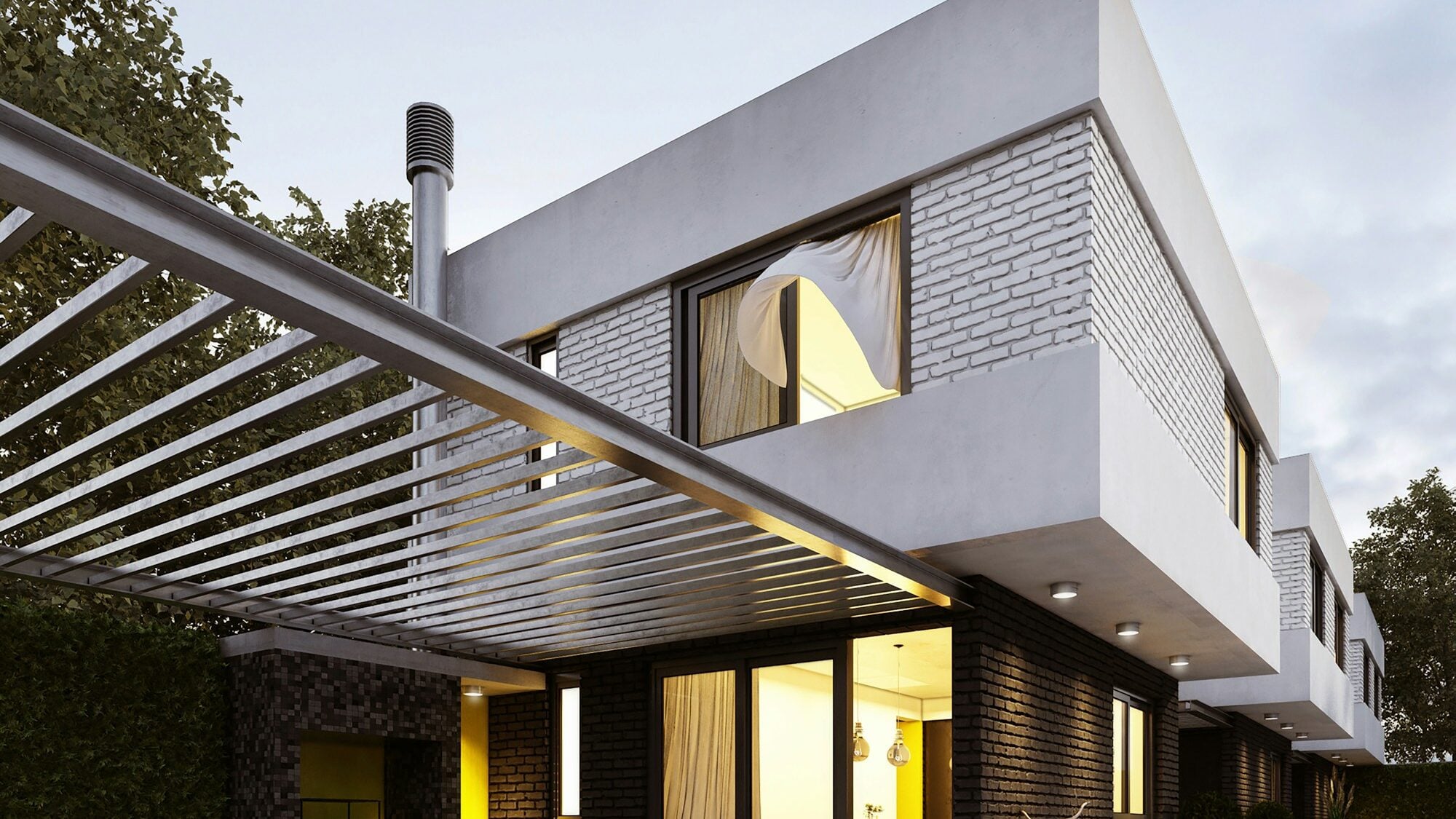

A nice picture sits on the website: a white pergola over a terrace, 4 × 3 m, evening light. Underneath it a message arrives: "Do you have it in anthracite, 4.2 × 3.6 m, against the house wall?" The salesperson scrolls through the gallery for a while and then replies: "It'll look similar, just darker."
The picture is fine. It sells the brand and shows that you make good pergolas. What isn't fine is expecting it to answer a question it can't: what this particular variant will look like.
For a made-to-order maker, 3D product visualisation takes three forms, and each answers a different question. A render shows a chosen variant in its best light. A configurator shows the customer's own variant and recalculates it from your rules. AR, for a supported product, puts it in their garden.
A gallery missing exactly that one variant
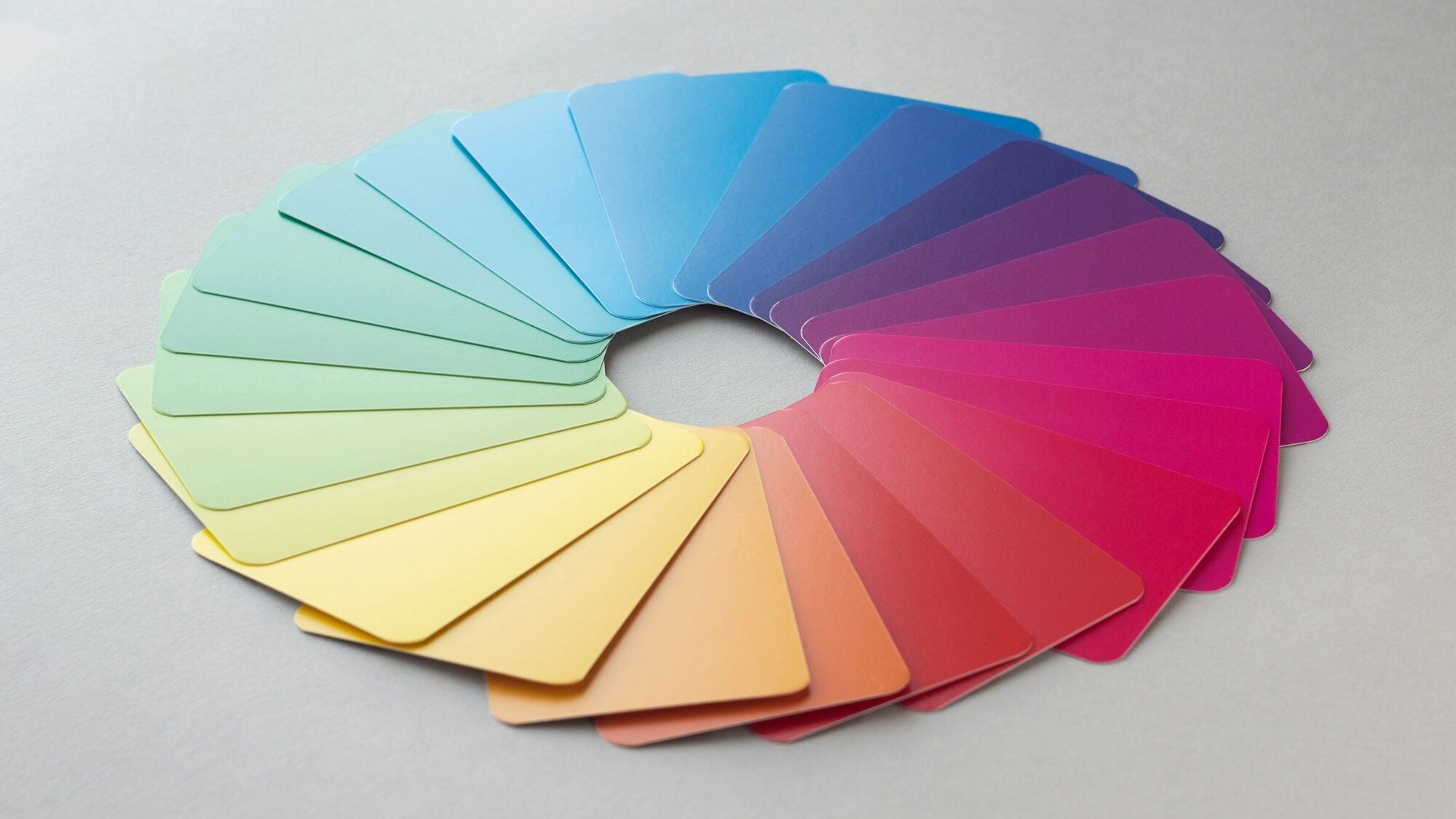
- Every variant is another picture. A render is made for one combination. Say you have three models, eight colours and two roof types: that is 48 pictures, and none of them has the customer's dimensions.
- The size in the picture isn't the customer's size. A 4 × 3 m pergola and a 6 × 3.5 m one have different proportions. A wider span may add a post that the sample picture doesn't have.
- The salesperson describes it in words. Every customer imagines "similar, just darker" in their own way. The gap between the idea and the real thing then shows up at installation.
- A picture doesn't know what can't be made. A designer will happily draw a combination you don't make. If it reaches the website, someone will order it.
Nobody is doing anything wrong here. A gallery is the quickest way to show what you make. It just can't answer "and in my size?".
Three forms of 3D product visualisation
A render shows the product in its best light
A render is a still image calculated from a 3D model. Light, camera angle and setting are chosen to make the product look its best. It suits the home page, the catalogue, the product page and advertising. Each image, though, shows one combination, and nothing in it can be changed.
A configurator shows the customer's own variant
A configurator draws the 3D model in the browser and redraws it with every change. The customer changes a colour, a dimension or an add-on and sees the result straight away. The model keeps to your rules, so a combination you don't make can't be chosen.
In treede configurators the structure is built from the same rules as the price, so the dimension in the scene is the same dimension the price is calculated from. A pergola, for example, gets another post when the gap between posts would exceed 5 m.
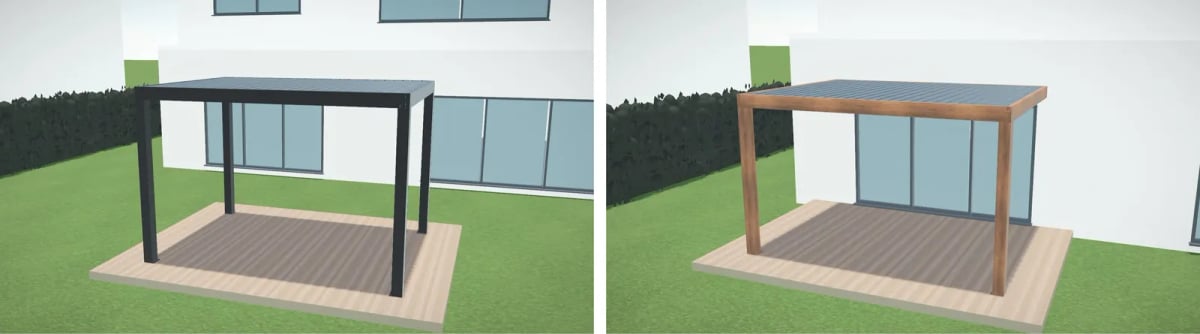
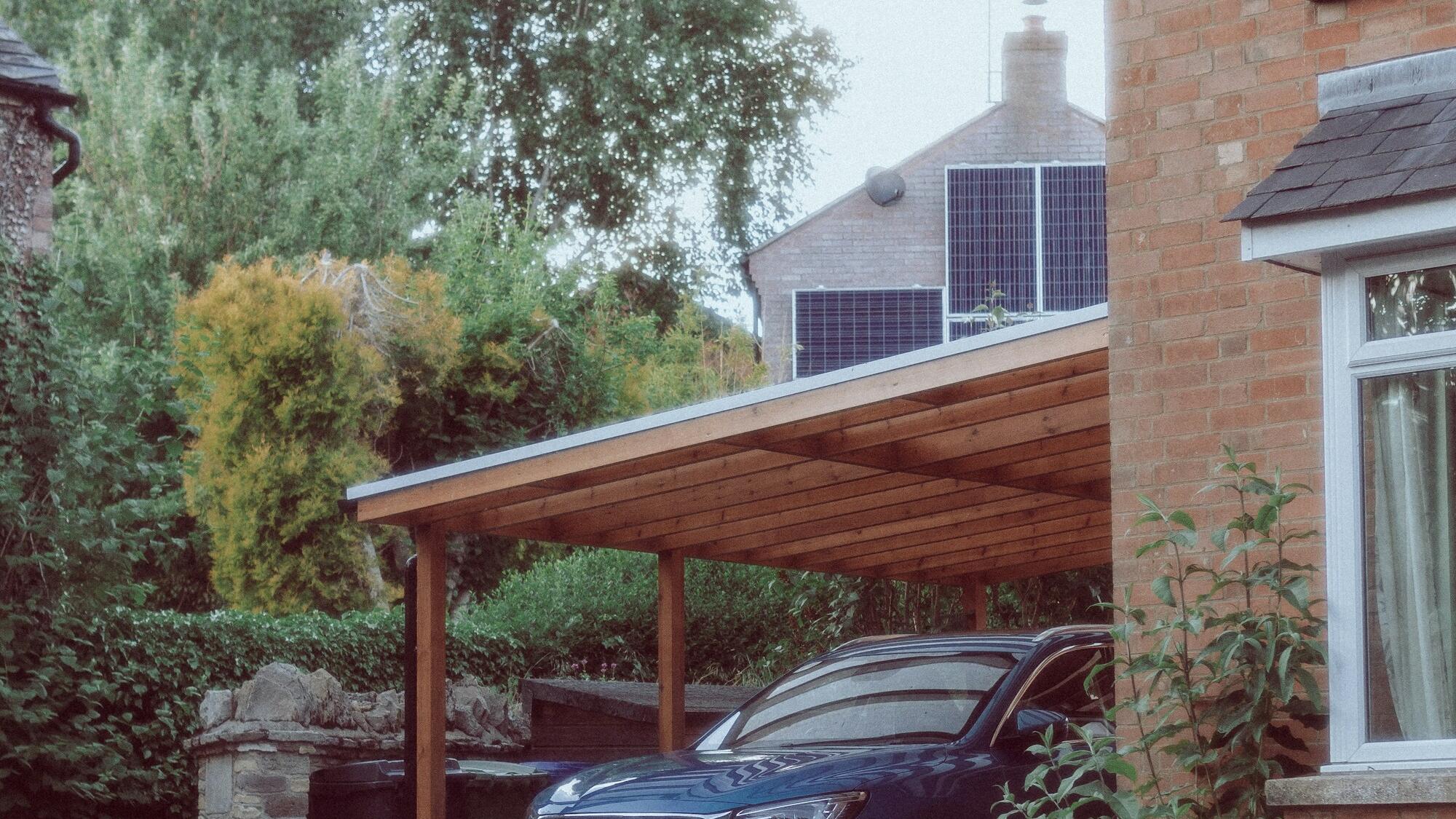
Both pictures show the same pergola model from the configurator's 3D engine, once black and freestanding, once in a wood shade against the house wall. What a configurator is made of and how it works is the subject of What is a 3D product configurator? How it works.
AR puts the variant in the customer's garden
AR, or augmented reality, shows the model through the phone's camera right where the product is meant to stand. The customer can look at the pergola on their own terrace. In treede configurators the AR view is available for a supported product. It doesn't replace a site survey, though: whether the pergola fits between the window and the gutter is confirmed on site.

Which customer question belongs to which tool
On the way to an order, the customer asks three different questions:
- "What does your product look like?" A render or a photo of a finished job is enough. The photo tends to be more convincing because it is real. It belongs on the website, in the catalogue and in advertising.
- "What will my variant look like, and what will it cost?" That takes a configurator that knows your rules and your price list.
- "What will it look like at my place?" That is what AR is for, for a supported product, followed by a site survey.
Renders and a configurator don't exclude each other. The same 3D model can feed both: a render for the catalogue, a configurator for the enquiry. The pergola pictures above are an example.
When not to build a configurator
Not every firm needs one. In these situations renders or photos are enough:
- You sell a few ready-made variants. With three sizes in two colours, six good pictures show everything. A configurator would show the same, only more slowly.
- Every job is a project of its own. When an architect designs each piece and the rules can't be written down, a visualisation of that specific project is the better fit.
- Hardly anyone visits the website. A configurator works with the visitors you already have. While there are few of them, photos of finished jobs and a campaign do more.
If you didn't recognise yourself in any of these, carry on.
A five-minute test: is it time?
Open the gallery on your website and your latest enquiries, and answer four questions:
- How many combinations do you make, and how many of them do you have a picture of? If the gap is large, customers will almost never find their variant on your website.
- How often does a customer ask "and in that colour?" or "and in my size?" If it's every week, the gallery is answering a different question from the one customers ask.
- Who draws the customer's variant today? If it's the salesperson in a drawing program in the evening, you are paying for visualisation with their time.
- Can you tell the price from the picture? If not, the customer finds it out one email later.
The first step takes five minutes and doesn't need us: go through your last ten enquiries and count how many wanted to see a different variant from the one on your website. That number tells you what the gallery is missing.
Frequently asked questions
What is 3D product visualisation?
It is showing a product from a 3D model instead of a photo. It can be a still render, an interactive model in a configurator that changes with the customer's choices, or an AR view through the phone's camera.
What is the difference between a render and a 3D configurator?
A render is a finished image of one combination. A configurator draws the model live, changes it with the customer's choices and keeps to the maker's rules and price list.
Does AR work for every product?
No. The AR view is available for a supported product, and its availability is checked by product, device and scope. It doesn't replace measuring on site.
What now
And the question "do you have it in anthracite, 4.2 × 3.6 m?" The answer no longer has to be "it'll look similar". It can be a link where the customer sets that variant up themselves, and the salesperson gets the dimensions and the colour.
How it looks on a real product is shown by the louvered pergola configurator; prices in the demo are illustrative. If you are thinking about your own, see the pricing or send us your price list, and we will show you a configurator on your product.