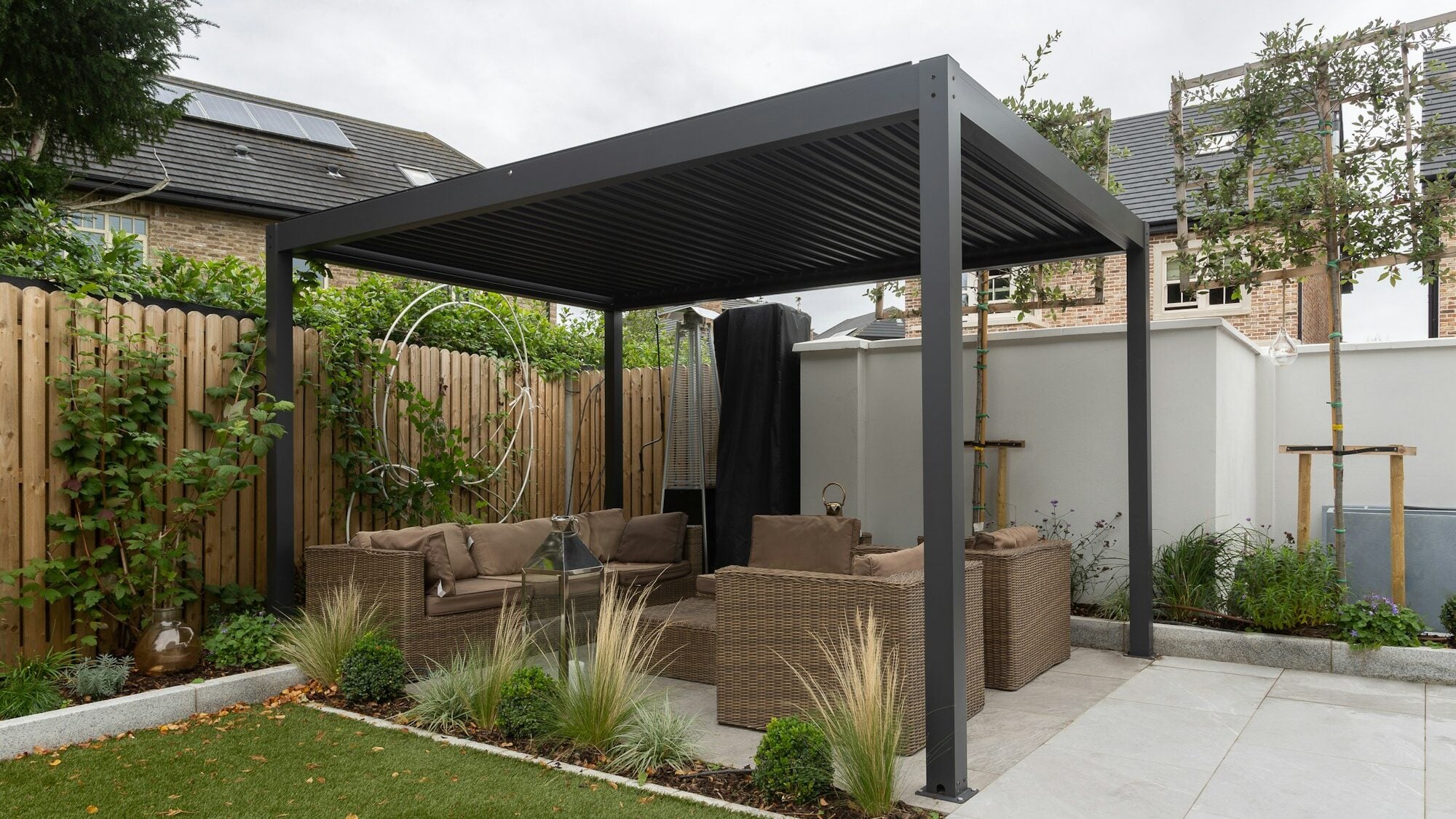


Picture an email: "Hello, I'm interested in a pergola, please send me a price." No dimensions, no photo, no town. It's an enquiry. It won't become a quote.
A qualified enquiry in made-to-order sales is one you can price, at least as an estimate, without asking a single question. It holds the dimensions, the variant, the mounting method, the colour, the extras and the location. How you get one depends on whether the customer writes free text, fills in a quote request form or builds the product in a configurator.
What a qualified enquiry means in made-to-order sales
In sales, an enquiry is usually qualified by whether the customer has a budget, an intent and a date. In made-to-order sales the first obstacle is more often how complete the brief is than the budget: an enquiry you can't price anything from until it's filled in.
The budget often shows itself anyway. Once a customer gets an estimate, they know whether it suits them, and nobody has to ask. Whether and how to show a price is covered in Prices on your website or on request?.
Three levels of enquiry
Enquiries differ by how they came about. The higher the level, the less work is left for the salesperson.
Free text
An email, a phone call, "send us an enquiry". It's the fastest thing for the customer and the first round of questions for the salesperson. It works when the customer knows exactly what they want and can put it in writing. With a made-to-order product that is rare.
A quote request form with required fields
It collects dimensions, variant, colour and contact details, so the salesperson doesn't have to ask for the basics. But a form doesn't check whether the details make sense together. A customer can write down a glass veranda with no post along its whole width, and the form accepts it without complaint.
A specification from a configurator
The customer chooses from permitted options and the product's rules apply before the enquiry is sent. The salesperson receives a specification with dimensions, options and contact details. With treede the configuration is saved to treede CRM with its specification, the contact and a link to the design. A configurator is the only level that also checks the details.
What an enquiry should contain, by product
The common base, which is dimensions, variant, mounting, colour, extras and a photo of the site, is covered in step 1 of How to cut your quote turnaround time. By product, the things that matter most are added to it:
- Pergolas and shelters: dimensions, model, wall-mounted or freestanding, blades, side walls and extras. More is on the pergola solutions page.
- Fences and gates: the length of each run, corners, gates and wicket gates, height, infill and colour. More is on the fence solutions page.
- Verandas and conservatories: floor plan, roof pitch, glass or polycarbonate and snow load.
- Garden buildings and saunas: dimensions, layout, cladding and extras.
A veranda as an example: a rule that fixes the enquiry
For verandas the existing base supports a rule on the span between posts. In treede's configurator rules, the largest clear span is 4 m for a classic glass veranda and 5.5 m for a cubic glass one. With a reinforced snow load the span shortens to 85% of that, and with a heavy one to 70%.
A customer writes in a form: "I want a glass veranda 6 m wide, with no post in the middle." The form accepts it, and the quote is priced for a veranda nobody can build. In the configurator a post appears, because 6 m can't be done at a 4 m span without a middle post, and the customer sees it on the model before the enquiry goes out.
The rule belongs to treede's configurator and doesn't stand for a standard or a market norm. We set the values for your product during implementation.
What no form captures
The base, the terrain, access to the site and the state of the wall the veranda is fixed to. Only a site visit changes these.
A configurator won't do the site visit for you. So far nobody has measured a terrace over email. That is why an estimate from your rules straight away and a firm quote after the visit makes sense. The customer knows whether they're in the right budget, and the visit happens for people who actually want it.
How to assess an enquiry in five minutes
One decision per enquiry is enough. Put it in one of three boxes and you know what to do next:
- Priceable. Everything needed is in the enquiry. Send an estimate and say what could still change after the visit.
- Fillable. One or two things are missing. Send one question, not ten, and add what you've already worked out.
- Not priceable. With no dimensions and no photo there's nothing to price. Call, or send a link to the form or the configurator if you have one.
A "please send me a price" enquiry with no dimensions goes in the third box. It's an enquiry, and no brief has come out of it yet.
Frequently asked questions
How many fields should an enquiry form have?
As many as you need for an estimate, and not one more. Defend each field with the sentence "without this I can't price it…". What you don't need for the first quote, you ask later.
Should I ask for a budget?
An estimate from your rules answers the budget question before you need to ask. The customer sees a number and decides for themselves whether to go on.
What do I do with an enquiry that has no dimensions?
Send one question the same day: the dimensions, or a photo of the site with a rough length. Leave further questions for the second round.
And the "please send me a price" email?
It will arrive again tomorrow. The difference is that the salesperson can tell in five minutes which box it belongs in and what to reply.
Where enquiries go in your firm and whether a quote comes out of them is answered by one of the questions in the readiness checklist. What the whole path from campaign to installation looks like is described in the Moja Pergola case study.